Know about
Othership
Role
Lead UX Designer
Year
2023–2024
Platform
iOS / Android
Tools
Figma, Notion
Project Overview —
Redesigning the hybrid work experience for distributed teams — connecting people across offices, home environments and coworking spaces through a single, intuitive mobile platform.
Find colleagues.Work anywhere.
The Challenge
Hybrid teams struggled to coordinate who was in the office, when, and where — leading to missed connections and inefficient use of workspace.
The Approach
Research-driven design with weekly sprint cycles. Continuous user testing with remote and in-office employees across 5 organisations.
The Outcome
A streamlined planner-first experience with real-time colleague visibility, floor maps, and smart scheduling — reducing coordination overhead by 40%.
Numbers that moved — and held.
Outcomes measured against a baseline instrumented in week one. Each figure tracked for 90 days post-launch across active users.
Booking Conversion
+62%
Lift in discovery-to-confirmed booking after consolidating the flow into three taps.
Time to First Booking
−41%
Median time for new users to confirm their first desk, down from 6m 12s to 3m 38s.
Weekly Active Teams
3.4×
Growth in teams coordinating office days together within one quarter of rollout.
Key Features
Built aroundyour workday
01
Onboarding in seconds
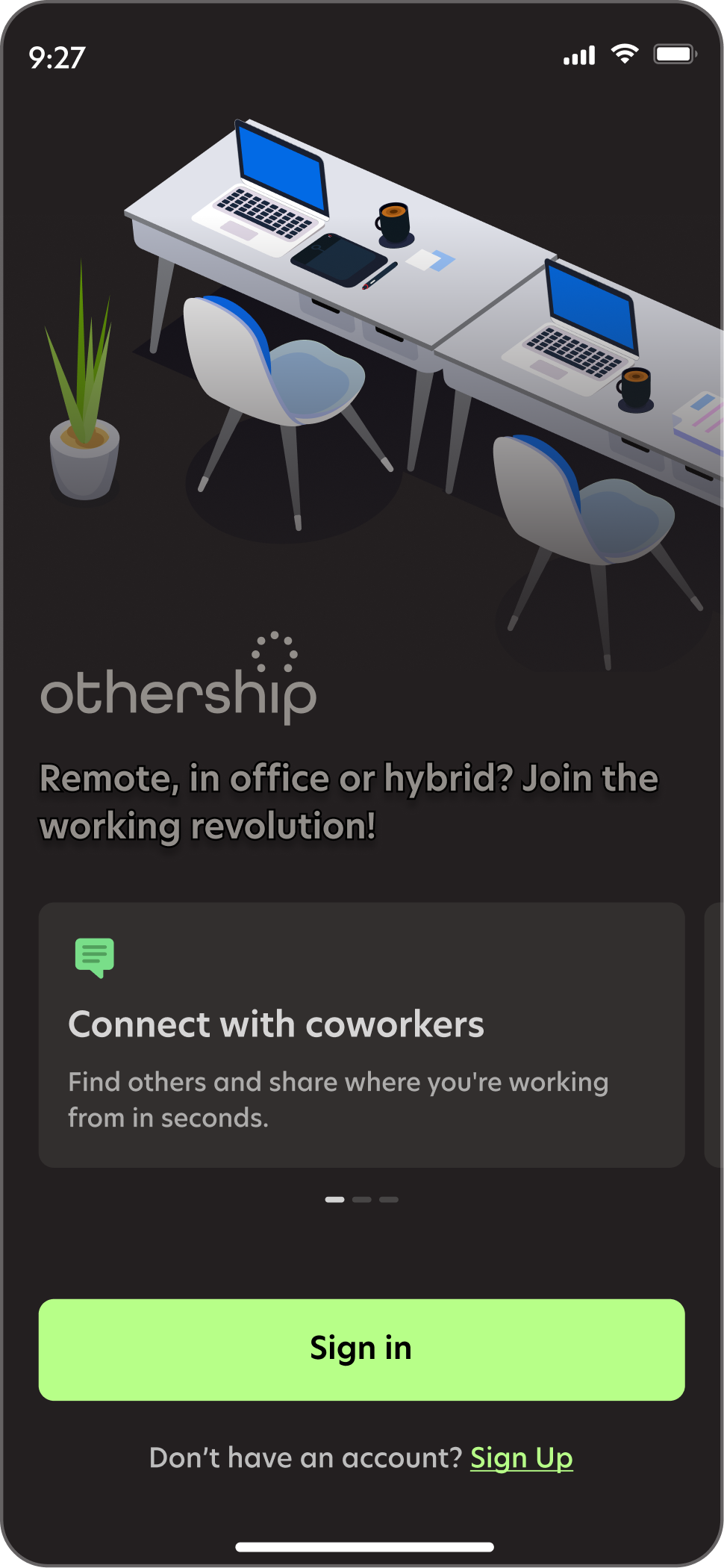
First-time users connect to their organisation and choose their working style in under 60 seconds. No configuration walls, no enterprise setup friction.

02
Live colleague dashboard
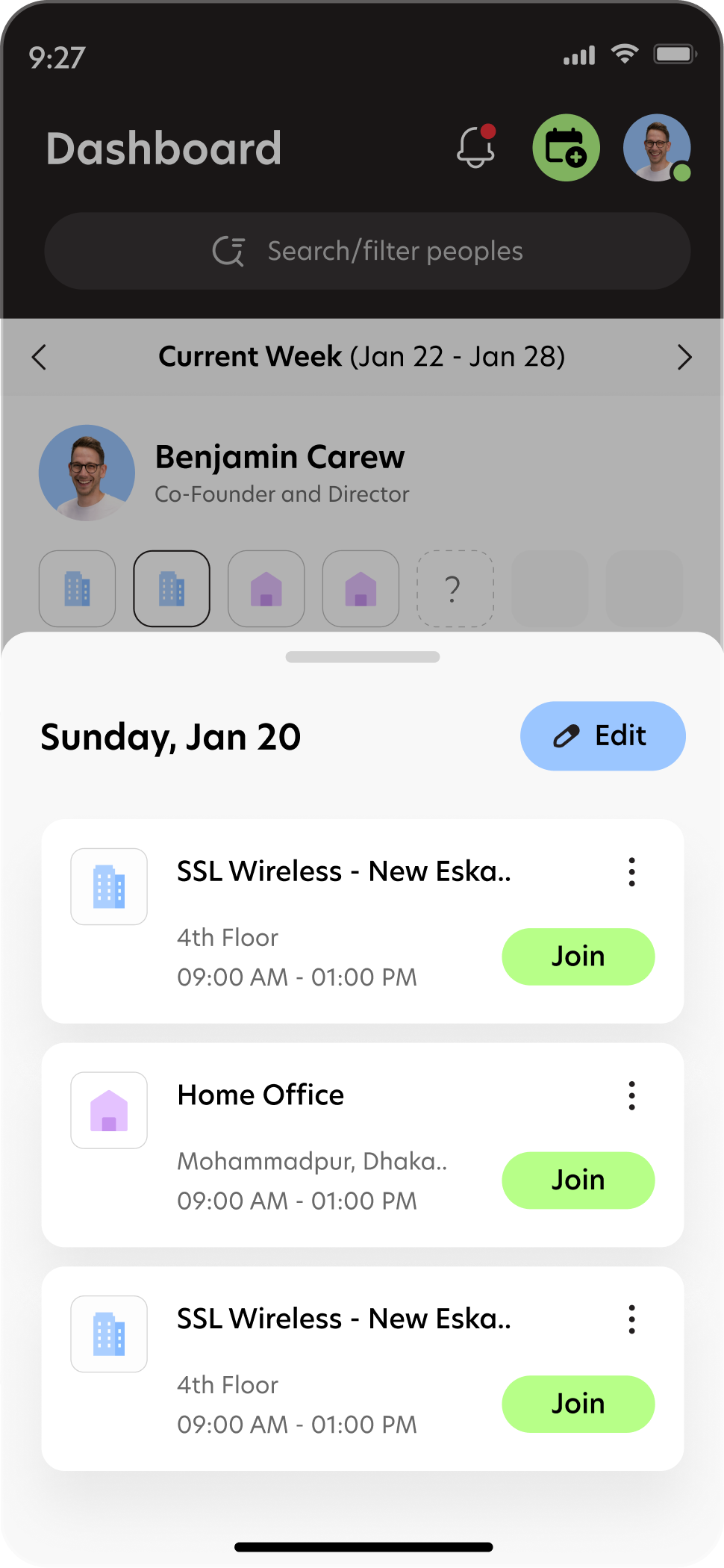
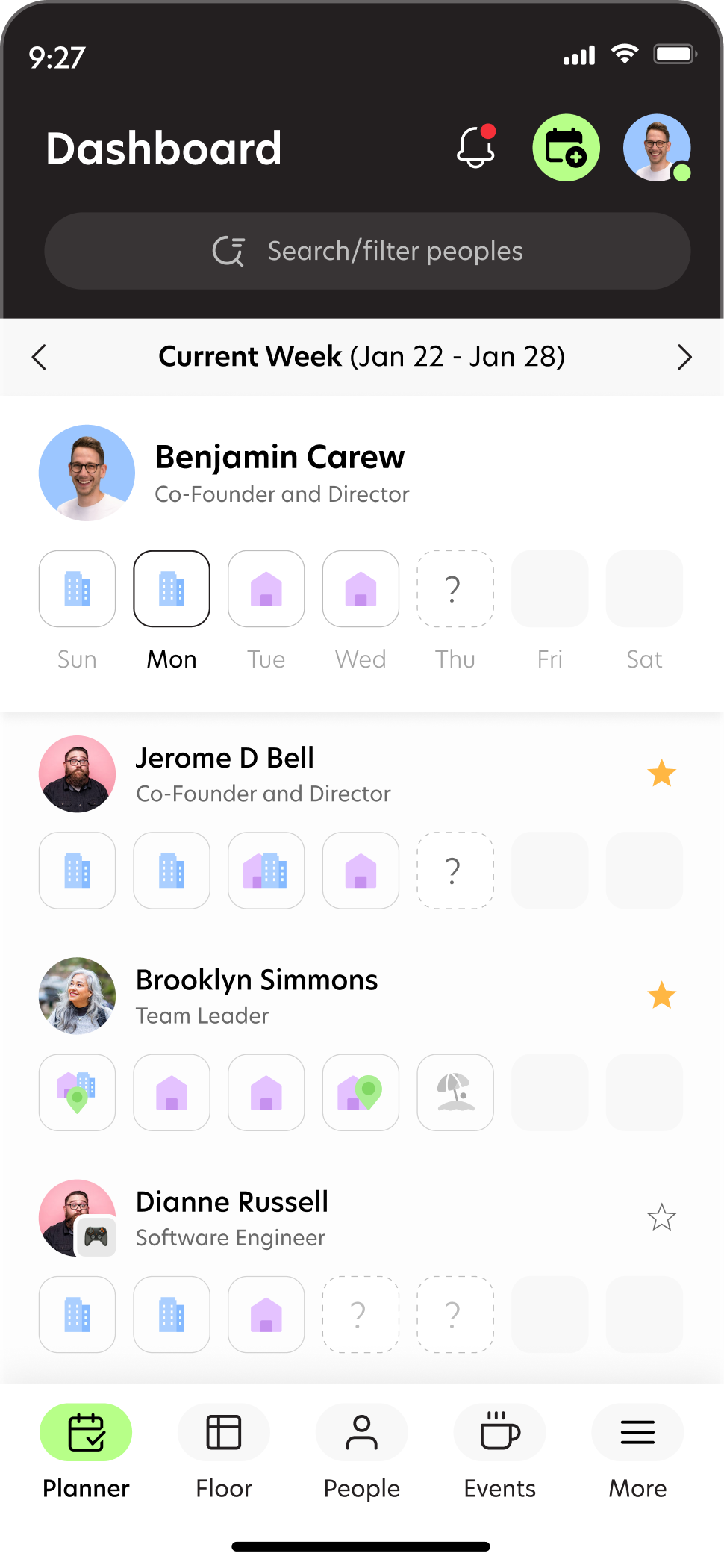
See exactly where every team member plans to be this week — office, home, coworking — at a glance. The planner updates in real time as people set their days.
03
One-tap workspace booking
Reserve a desk, meeting room or coworking space directly from the schedule view. Smart suggestions surface the spots most used by your closest colleagues.

04
Interest-based discovery
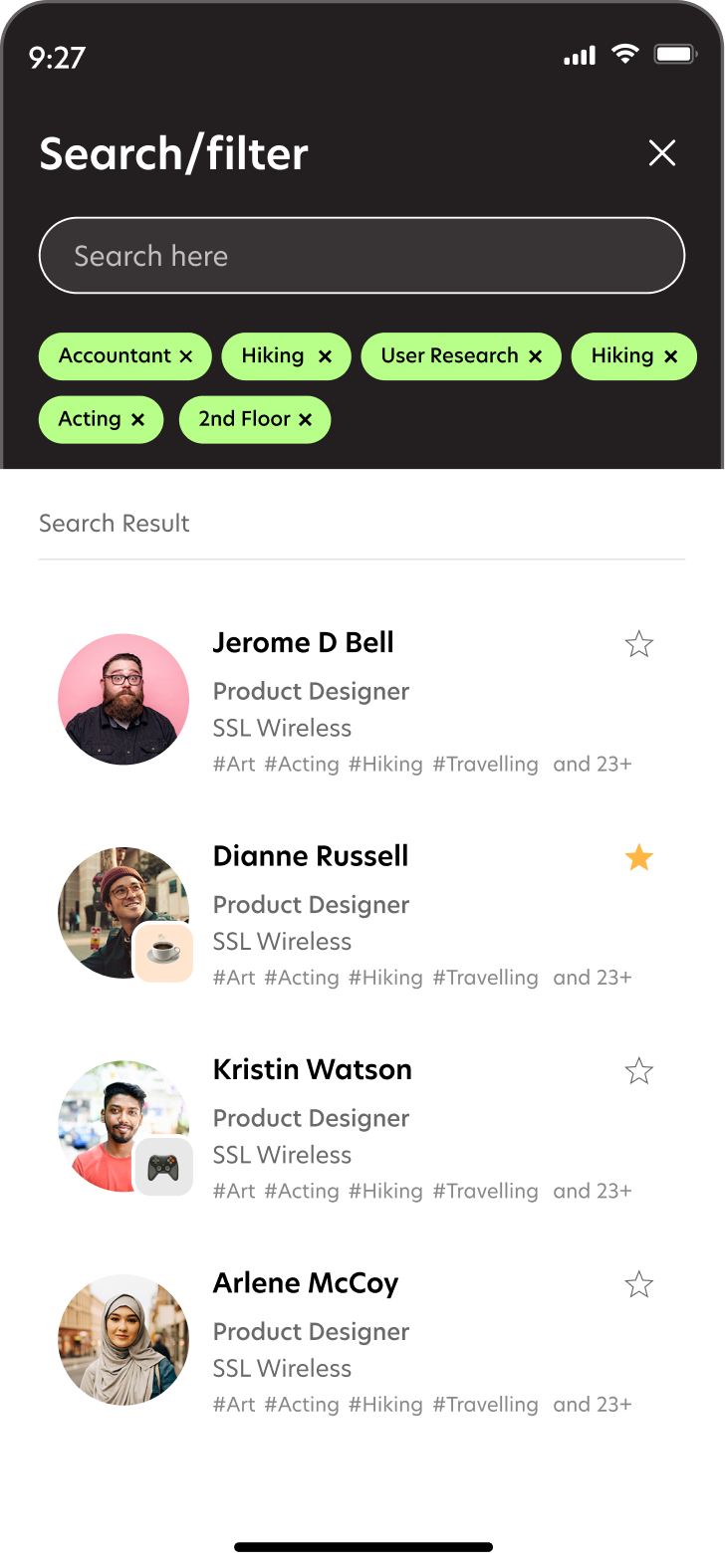
Filter colleagues by skill, interest or location to find the right person for an impromptu collaboration. Tags and cross-team visibility make serendipity intentional.
Design Process
How we got there
01
Discover
User Research & Competitive Analysis
Conducted 18 interviews with hybrid workers across 5 industries. Mapped pain points around coordination, spontaneity, and workspace waste. Benchmarked 12 competitor apps across flexibility, social features, and booking UX.
02
Define
Synthesis & Problem Framing
Distilled 380+ research notes into 6 core themes. Created an experience map revealing 3 critical decision moments in the hybrid workday. Defined the north star: "3 taps to see who's in, where, and why it matters."
03
Ideate
Concept Generation & Prioritisation
Two-day design sprint with stakeholders produced 40+ concepts. Dot-voted to 8 directions, refined to 3 prototype-ready concepts. Planner-first architecture emerged as the clear winner after early testing.
04
Design
High-Fidelity Prototyping
4 rounds of usability testing with 24 participants across 6 weeks. Iterated on navigation hierarchy, onboarding flow, and the booking confirmation pattern. Accessibility audit completed pre-handoff.
05
Deliver
Handoff & Impact Measurement
Component library delivered with 240+ documented tokens. Post-launch data showed 73% of users set their week plan on Monday morning — up from 31%. Office pre-booking increased 40% in 8 weeks.
A look inside
The full product, in motion.
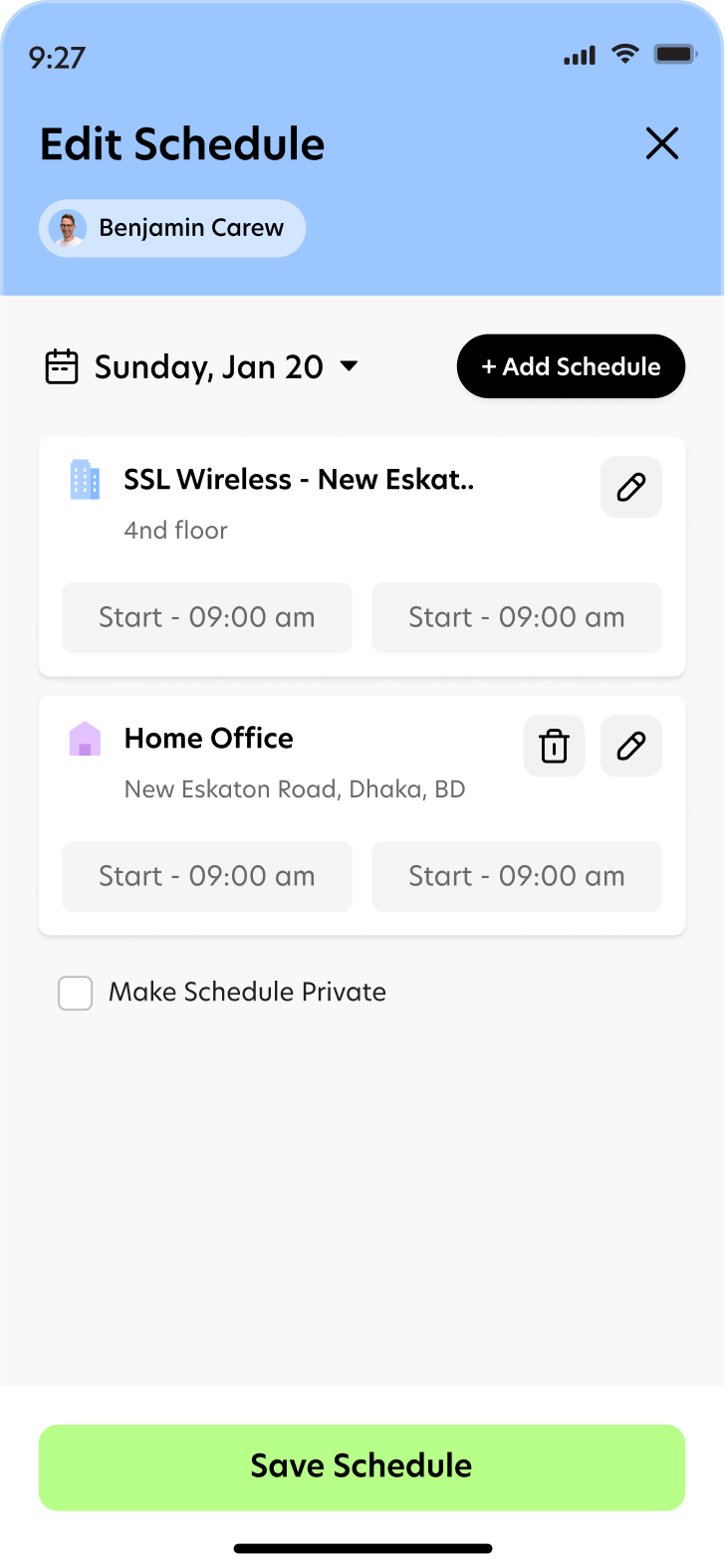
Five screens from the shipped flow — onboarding, planner, schedule edit, colleague dashboard, and discovery.